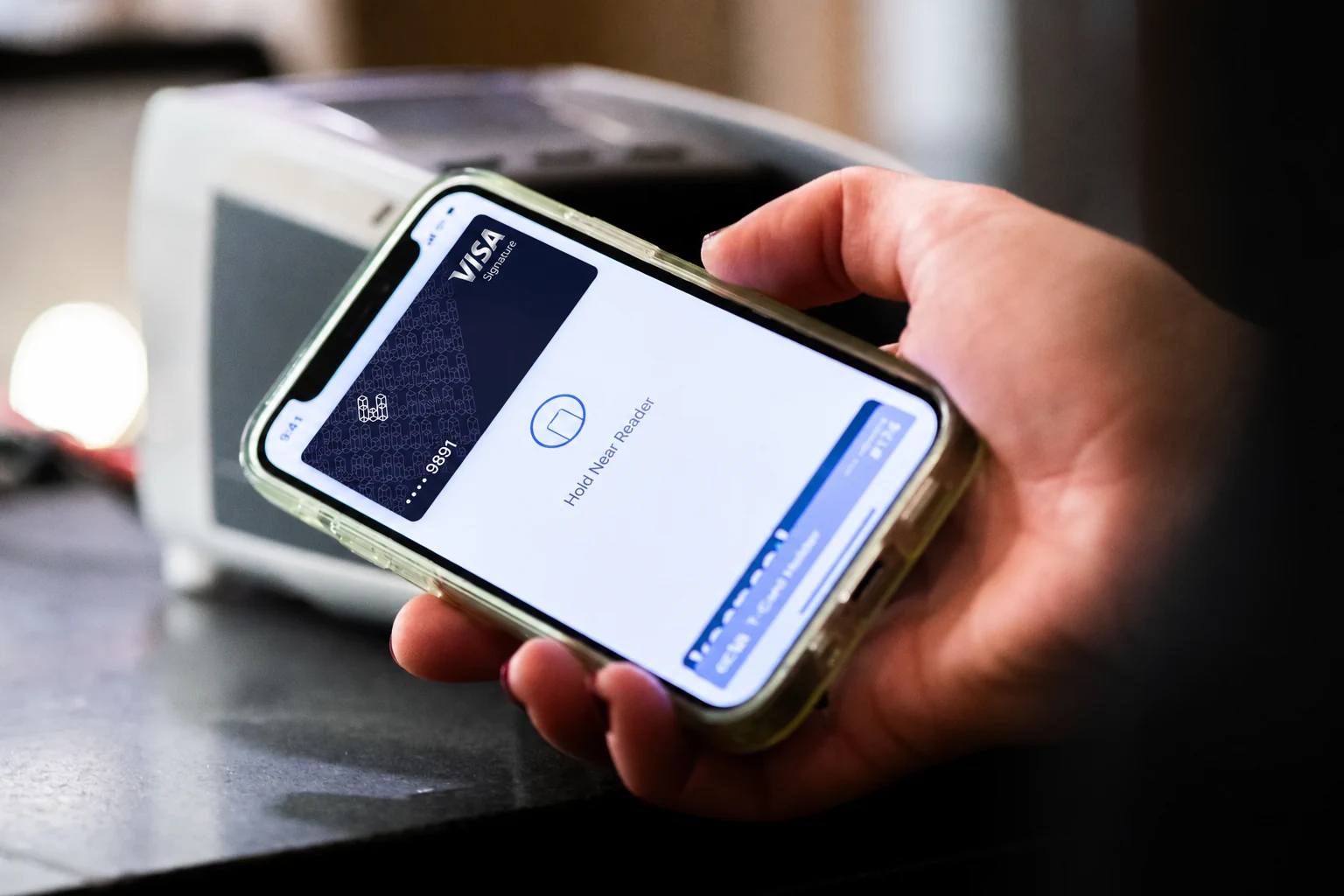
Photo from Wikimedia Commons
Before you change providers, record which app and device fail, whether the same task works over Ethernet, when problems cluster and who else is online. A speed check or a wired comparison narrows the question, but neither proves the cause.
Photo from Wikimedia Commons
CONTENTS
Build one record of what fails, where and when
Start with the failure you would most like to disappear: a stream that keeps buffering, a work call that turns robotic, a game that stutters every evening. Write it down before treating it as a reason to change providers, because the record is what lets you compare your current service with a replacement.
| Field | What to note |
|---|---|
| Time | Date, start time and duration; repeat at a busy hour if you can. |
| Place and device | Room, device and, if several, the model. |
| Activity and symptom | The app or game and the exact symptom: buffering, a dropped call, robotic audio, lag. |
| Connection | Wi-Fi or Ethernet to the router; if Wi-Fi, the network and rough distance. |
| Other load | Who else was online, and whether anyone was streaming, downloading or in a call. |
| A repeat | Same task on a second device, another room, or Ethernet. |
| Support trail | Ticket number, date reported, what you were asked to try, and any written reply. |
Two patterns are worth separating, though neither proves a cause. If a problem follows one room or device while others work, test that local path or device next. If the same activity fails on several devices, over Ethernet as well as Wi-Fi, at different times, ask the provider to investigate the service or the path beyond your router.
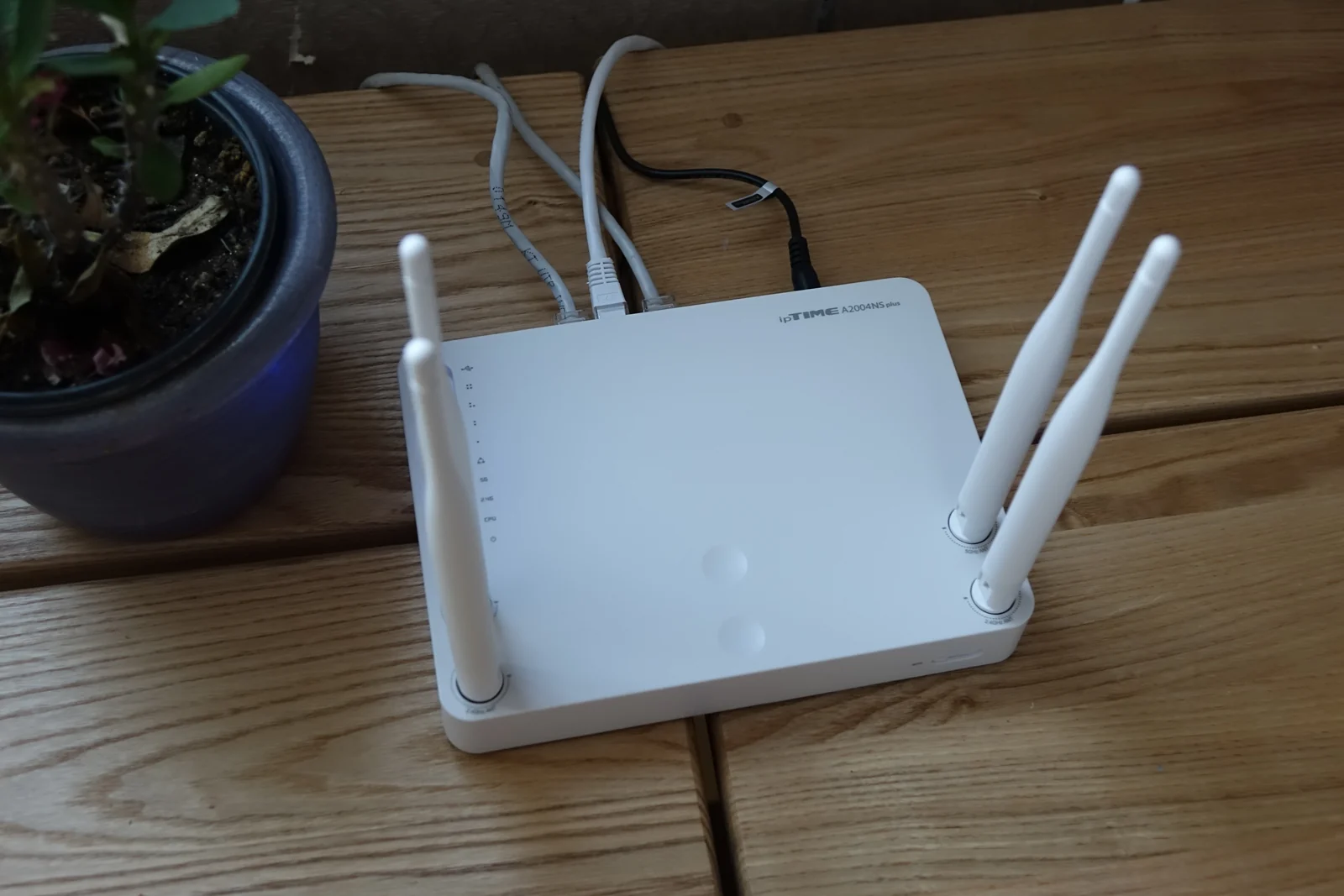
Ooredoo’s consumer fibre tariff is explicit that Wi-Fi speeds are not guaranteed: they vary with the customer premises and client device capabilities, and external factors outside Ooredoo’s control can affect speed. That does not make a weak bedroom signal evidence that the fibre connection is at fault. Ooredoo’s Home+ Wi-Fi guidance suggests leaving the router where the technician placed it or, if it must move, putting it in an open, slightly elevated, central spot near the devices used most, away from large electronics, heat sources and water sources, and not inside cabinets or behind large furniture.
A speed check helps when it is tied to the affected device. Netflix’s help centre points users to Fast.com in a browser on a phone, tablet or computer, or to the Check your Network tool in its app on TV-connected devices. It advises contacting the internet service provider if the result is slower than expected and notes that a failed check usually means the device is not connected. Streaming quality has many influences, so one figure is a clue, not a diagnosis.
For work calls, describe the symptom precisely because different symptoms point in different directions. Microsoft’s Teams network guidance links slow-running Teams to possibly insufficient bandwidth, calls that repeatedly drop to possible firewall or proxy blocking, and static, cutting-out or robotic voices to possible jitter or packet loss. Microsoft presents these as possibilities, and the guidance is written for organisations, so treat the mapping as a way to describe what happened, not as a test result.
Under its consumer fibre tariff, Ooredoo is responsible for servicing and maintaining the service but not a subscriber’s own equipment, including extra equipment used to connect it. Outside the CPE that Ooredoo supplies, the tariff allows a subscriber to acquire third-party equipment to receive the service, provided everything connecting to Ooredoo’s networks is approved by the Communications Regulatory Authority (CRA) and meets current technical standards. That allowance does not establish that you may replace Ooredoo’s own device. The tariff also asks customers to use the Ooredoo-provided Wi-Fi device and follow reasonable configuration requests. Ooredoo’s Wi-Fi tips page, which is advisory, prefers same-brand routers, a LAN cable for a secondary router where possible, and avoiding third-party extenders or routers. That advice is narrower than the tariff, so confirm what applies to your plan with Ooredoo before buying anything.
Turn household uses into a requirements list
An advertised plan speed is a tier label, not an answer to any particular use. Ooredoo’s tariff lists Home+ plans by fibre internet speed tier and says subscribers choose a plan by speed and entertainment options. The practical task is to describe what the household needs to do, in the terms each activity is judged by.
Teams calls need capacity in both directions. Microsoft gives Teams bandwidth requirements per endpoint, in upload and download, for audio, video and screen sharing, and counts a person joining from both a computer and a phone as two endpoints. Video and screen sharing need upload capacity of the same order as download. Consumption varies with video layout, resolution and frame rate, and Teams gives audio priority when bandwidth is short. Ask a provider to confirm the upload available for the calls you take while others are online.
Streaming needs a shorter list: which services and apps, on which devices, at what picture quality, and how many streams at once. Use the earlier device-level check at the time a stream fails; it describes that device and moment, not the quality the household can expect.
Gaming should be described by the game, platform and symptom: lag that makes aiming impossible, disconnects from matches, failure to join a party, or an intermittent stutter. A general broadband claim cannot tell you which of these a new line will solve. Check the game’s support pages or the platform for its connection requirement, and put that answer to the provider as a question about the specific plan; do not infer a target from the package.
Then ask whether anyone needs a public connection. If someone runs a server, wants remote access to a home device, or needs to accept inbound connections, establish exactly which function is required rather than assuming that every remote-access arrangement needs a public address. Whether a residential plan includes a public IPv4 address, IPv6 or inbound connections is unconfirmed for Ooredoo and Vodafone services and for any Starlink residential offer in Qatar. Ask the provider to confirm the specific function for the specific plan and equipment, and do not assume that a bridge, tunnel or other workaround is supported.
Check the candidate at your own address
Eligibility is settled at the address, not by a general coverage claim. Ooredoo’s consumer fibre tariff says some or all fibre services may not be available in a subscriber’s area or location, or compatible with the landline, and that Ooredoo must verify the landline is in a serviceable area and technically able to support broadband, which may require a landline test.
Vodafone Qatar’s home FAQ offers a different check. It says fibre is available in many areas and directs households to its GigaHome page, where coverage is checked with the Kahramaa, or electricity, number. It also says 5G home service is available in some areas and can be checked on a 5G map, and that where fibre is not eligible a customer can take a wireless home service, including 5G in select locations. A check with your own number is the start, not the result: plan, installation and equipment terms still need confirmation.
Starlink shows why a licence announcement is not an offer. On 28 September 2022, the Communications Regulatory Authority issued Starlink Satellite Qatar W.L.L. an Individual License for public satellite telecommunications networks and services, covering satellite broadband to individuals and enterprises. That authorisation does not establish a current residential offer: not that a plan can be ordered at your address, nor the installation, equipment, terms or performance you would get. Treat Starlink as a candidate to check directly with the provider.
Once a provider says it serves your address, ask in writing for the exact residential plan and its speed and usage terms; what installation involves, including any site visit and who supplies and approves the equipment; whether the functions you need, including any public address or inbound access, are supported; and the minimum term, early-termination and equipment-return conditions. If a trial or cooling-off period is offered, run the same tests you recorded rather than a single speed check; if not, ask what happens if the service does not perform as described.
Continuity deserves an answer too. If work or school depends on the connection, decide before installation what the household will use if the new service arrives late or fails: a mobile hotspot with a known data allowance, a kept-over existing line, or another arrangement you have tested.
Read the commitment before you cancel
Who subscribes matters. Ooredoo’s consumer fibre tariff C05-03, version 024, effective 17 October 2025, sets a subscriber minimum service period of three months from activation; ending earlier means paying the outstanding monthly recurring charges for that period. A new, grandfathered or returning customer who takes an included Wi-Fi device owns it, but a prorated device charge applies if service ends within twelve months of activation; that charge depends on the plan and equipment. The Android set-top box is separate: Ooredoo owns it, and no charge applies if it is returned within twelve months of service activation.
Under the tariff’s Employer-subscribed service section, an employer subscribes on behalf of an employee and the service is provided at the employee’s residence. When the employer terminates, the three-month minimum-period rental and other termination fees do not apply, while non-return fees for the Android set-top box and the Wi-Fi device fees remain. A resident whose service is arranged through an employer should confirm the terms with the employer.
These terms are dated. A later CRA-approved tariff replaces this one automatically, and CRA-approved promotions or readjustments can modify it, so check what is in force when you sign. For Vodafone, ask for the minimum term, early-termination and fair-usage conditions with the actual offer; a coverage check does not settle them. Compare full terms, not a promotional headline.
If the service involves imported equipment, agree with the provider who will handle customs clearance before delivery. CRA issues clearance certificates after inspecting imported radio and telecommunications equipment. For imported radio-communication equipment, type approval is required in both routes: an appropriate radio spectrum licence already issued, or import permission if that licence has not been issued before. Check the licence status first; these prerequisites allow clearance to be considered, but do not guarantee it. For provider-supplied equipment, confirm who must hold the licence or permission. For non-radio telecommunications equipment, confirm the applicable requirements with CRA, since it remains unverified whether the same prerequisites apply. For a satellite terminal, confirm its type approval and the applicable spectrum-licence or import-permission position; the 2022 Starlink announcement does not establish terminal approval or spectrum-licence coverage.